
Board
- CEO tiles on SAP-shaped spend
- Supplier scorecards
Enterprise spend
Procurement Intelligence
No install · ~10 min · Opens in a new tab
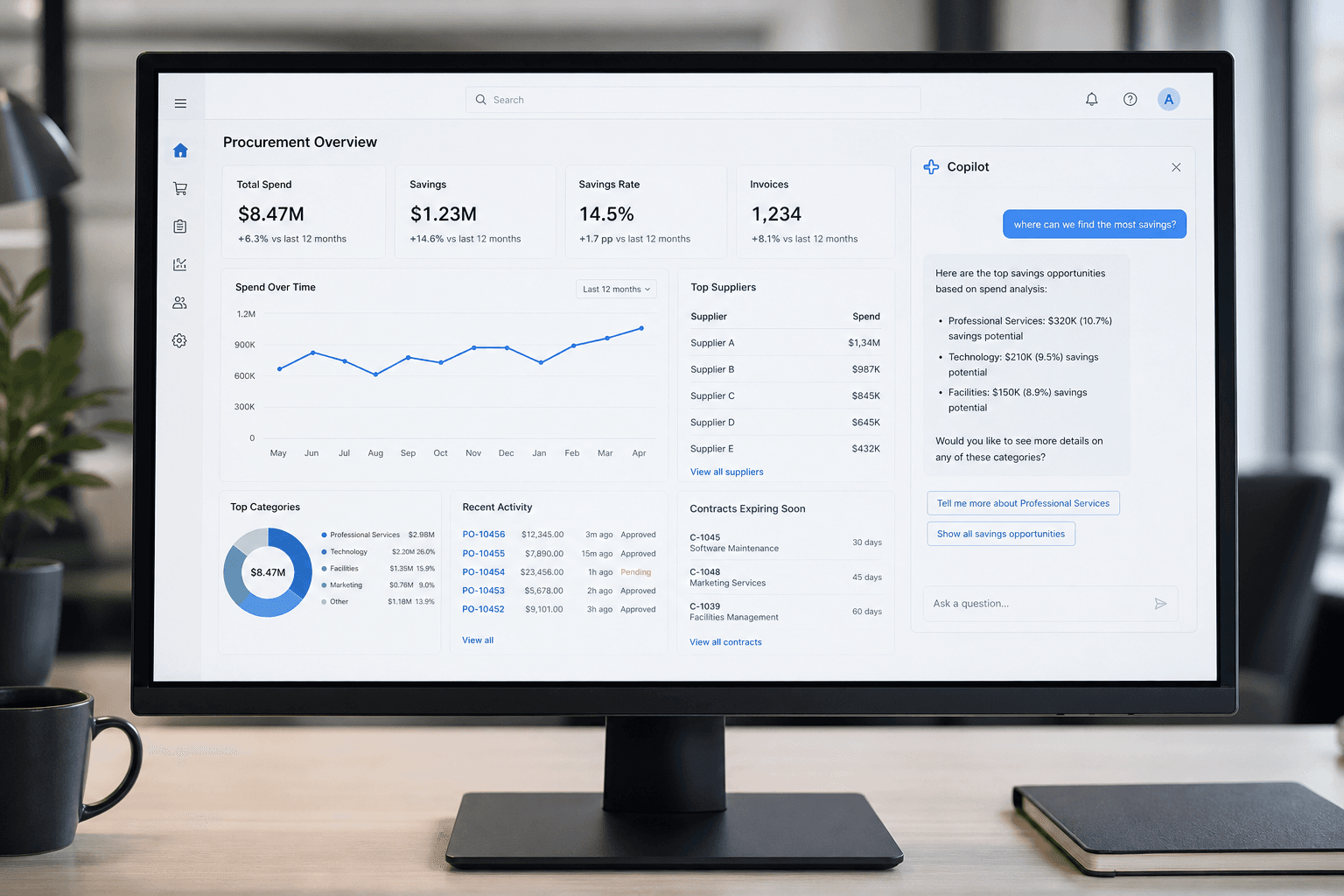
Static preview. The live product opens in a new tab.
For boards that still ask questions a dashboard cannot answer. Sit in the CEO seat, then ask the copilot — it cites the PO.
Want every screen and role? That’s in the full guide (word).
Start as ceo@client.com / demo1234; Admin admin@digicane.com / admin123
Demo credentials — treat as public evaluation accounts.
Digicane AI
The CEO dashboard is the proof. Digicane’s edge is RAG that retrieves POs and contracts first (and cites them), plus agents that route exceptions to Approve/Reject instead of auto-ordering — the same stance as RAG vs generic chatbots.
Request this for your opsYes. Open Try live demo in your browser. A demo login is on the page if you need one.
Boards that still ask questions SAP dashboards cannot answer in English.
Tell us the workflow. We’ll map Agents, Vision, Voice, or RAG onto your floor.